
Built for macOS
Screen Recorder for macOS with a Built-In Video Editor
Everything you need to record and edit videos on Mac.
Record your screen, camera, and audio
Capture your full display, a single app, a selected area, or screenshots. Add your camera and microphone when the moment needs more context.
Edit every clip on one visual timeline
Arrange scenes, trim clips, add overlays, music, captions, and multiple camera tracks without bouncing between apps.
Export polished videos in up to 4K
Finish the details with cursor effects, motion presets, backgrounds, and device mockups—then export a share-ready video in high resolution.
Record on Mac. Refine every frame.
Screen Movie turns a screen capture into an edit-ready project, with camera tracks, captions, cinematic motion, and export controls in one focused workspace.
Edit every scene on one simple timeline
Arrange clips, trim the take, adjust timing, and combine your screen, camera, audio, captions, and overlays without breaking your creative flow.
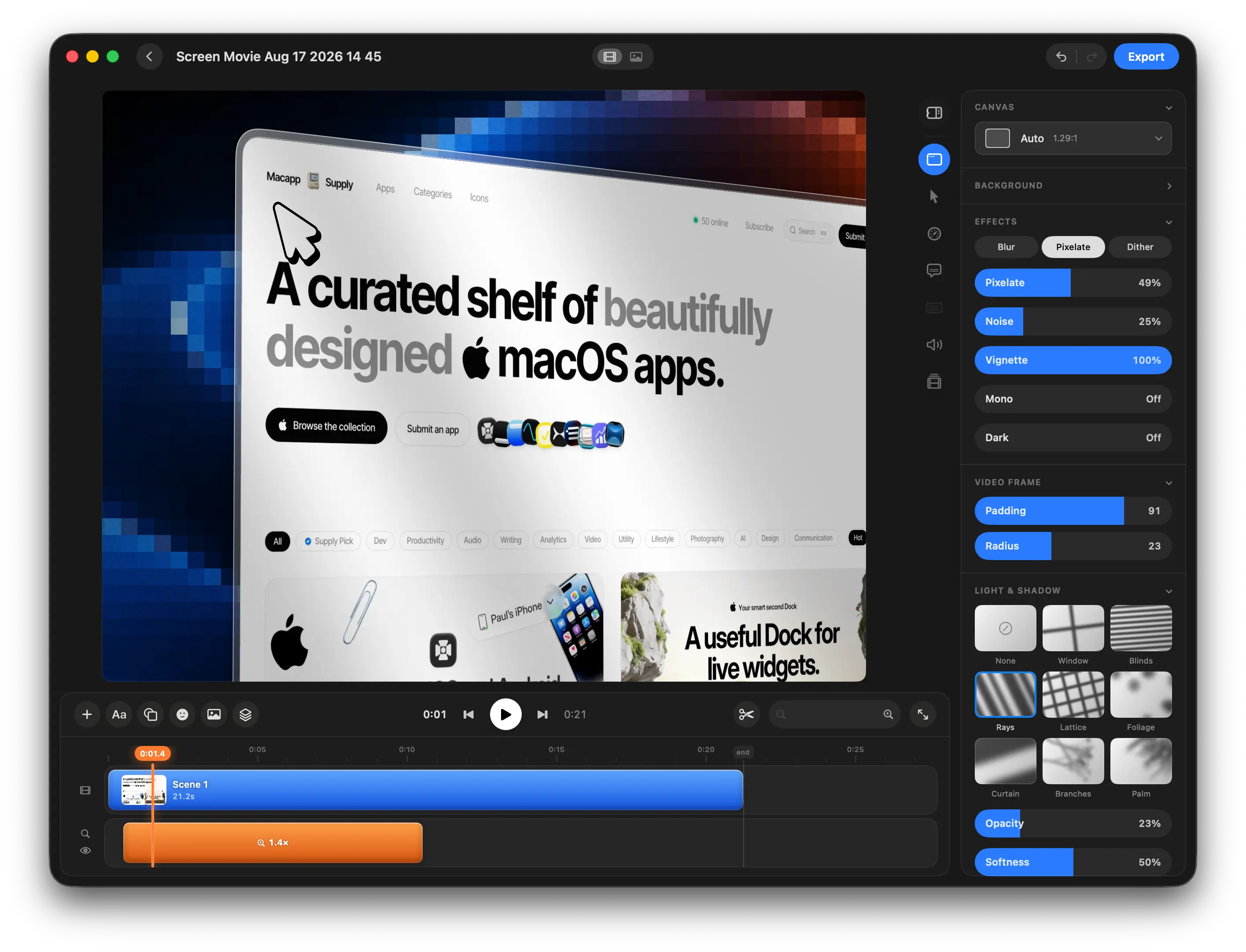
Built for people who care about the final frame.
From tutorials to product demos, Screen Movie gives everyday screen recordings the attention to detail they deserve.
Screen Recorder for macOS FAQ
Helpful answers about recording, editing, privacy, and getting started with Screen Movie on Mac.
What is Screen Movie?
Can I record my screen, camera, and audio together?
Does Screen Movie include video editing tools?
Can I export screen recordings in 4K?
Is Screen Movie fully local?
Is Screen Movie a subscription?
A screen recorder for Mac that takes you from capture to finished video.
One native app for recording, editing, and exporting. Pay once, keep lifetime access, and create polished videos without a subscription.