
Built for macOS
Screen Recorder with Audio and Camera App for macOS
Record your screen, camera, system audio, and microphone in sync on your Mac—then shape every track into a polished video from one native app.
Capture every channel. Keep every take in sync.
Record your screen and camera together
Capture your full display, a single app, or a selected area while keeping your camera ready for the moments that need a face.
Choose the audio that belongs in the story
Record your voice, system audio, or both, then keep every source separate and easy to refine in one project.
Make your camera feel part of the recording
Use a built-in or external camera, keep it aligned with your screen, and shape the final layout without leaving your Mac.
Capture your screen, voice, and face without breaking your flow.
Record your screen alongside a built-in or external camera and choose whether to include system audio, your microphone, or both. Every source lands in its own editable timeline track.
Turn every take into a clear story
Keep screen, camera, and audio aligned as you trim, add captions, and shape a polished walkthrough from one visual timeline.
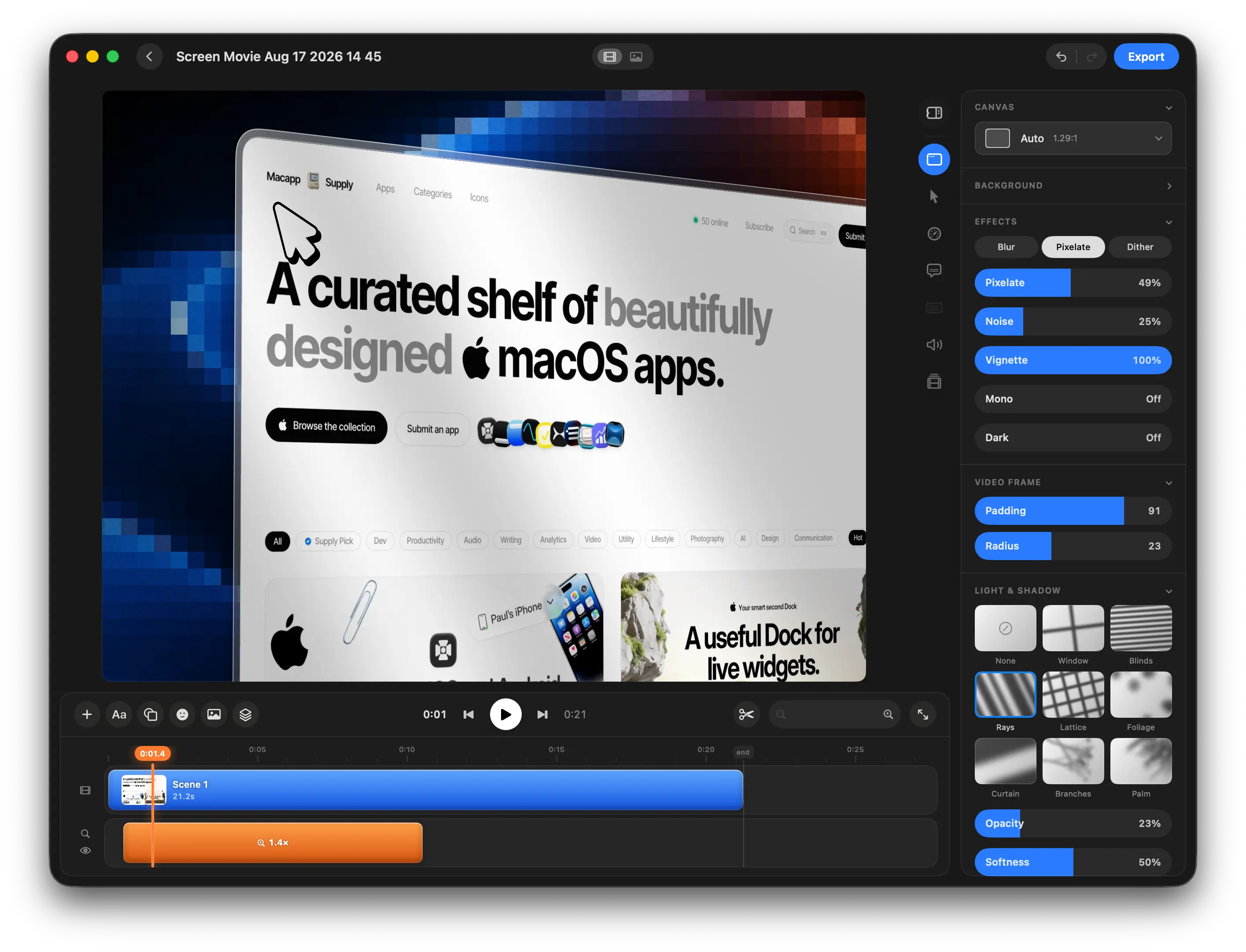
Built for tutorials, product demos, and presentations.
Screen Movie keeps your screen, voice, and camera in one native macOS workspace—so the edit starts clean and stays focused.
Screen Recorder with Audio and Camera FAQ
Quick answers about capturing your screen, choosing audio, recording camera, editing tracks, and exporting on Mac.
Can I record my screen, microphone, and camera at the same time?
Can I include both system audio and my microphone?
Can I use a built-in or external camera?
Are screen, audio, and camera recordings kept in sync?
Can I edit a camera recording after I capture it?
Can I export the finished recording in 4K?
Record every part of the story on your Mac.
Capture your screen, voice, and camera in one native app, refine it in a single timeline, and export when the take is ready.